
How do I check my email usage?
In this article we explain how to check your email usage.
First log in to DirectAdmin. In the red circle you can see how many emails have been sent and how many more you can send.
Click 'Email Accounts'

You will then see this screen; open 'E-mail Usage' here.
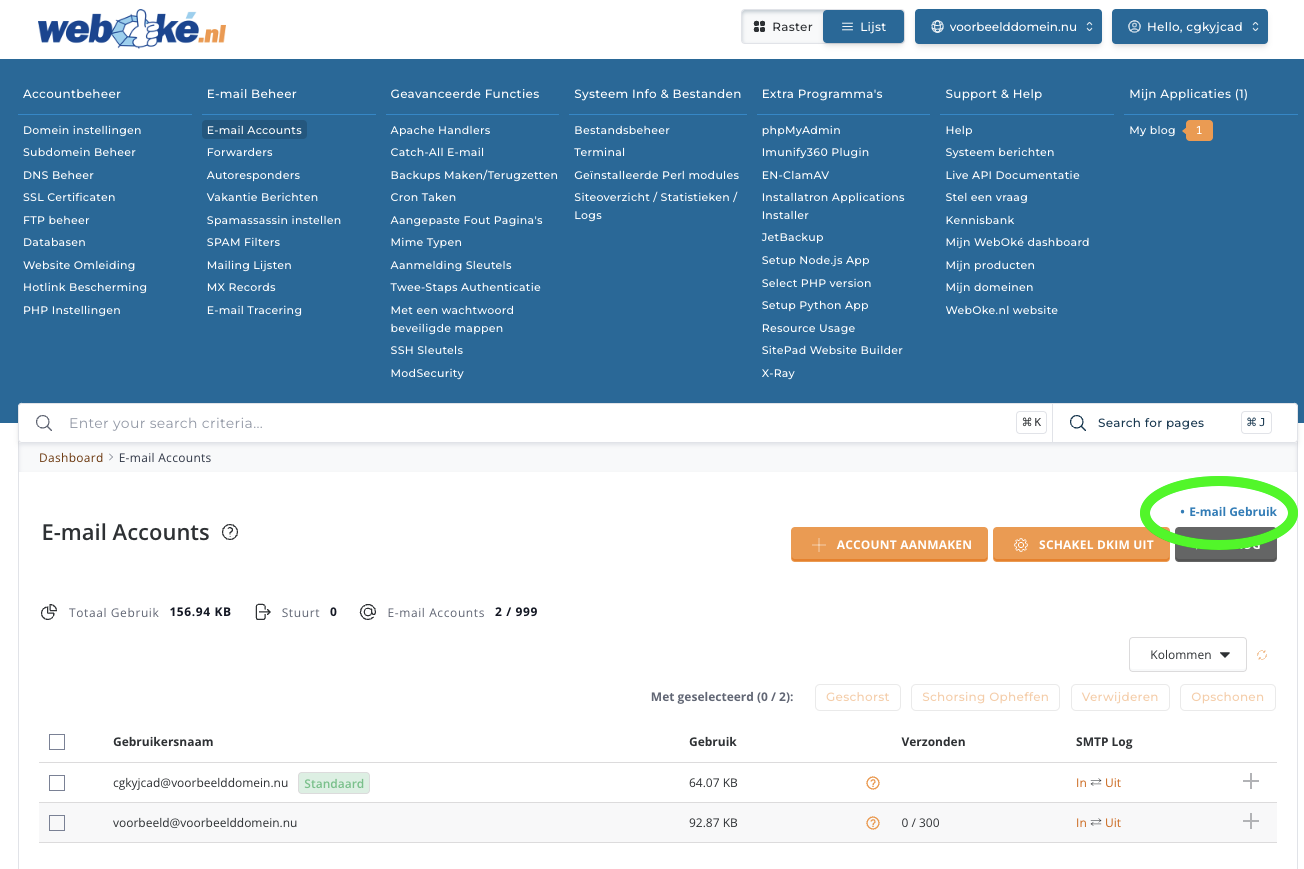
On this screen you can find all information about your email usage. In the blue circle you have options to view usage for different periods.

Was this article helpful?